DIGITAL MARKETING BLOG
MLM Software Implementation: Best Practices & Tips for Success
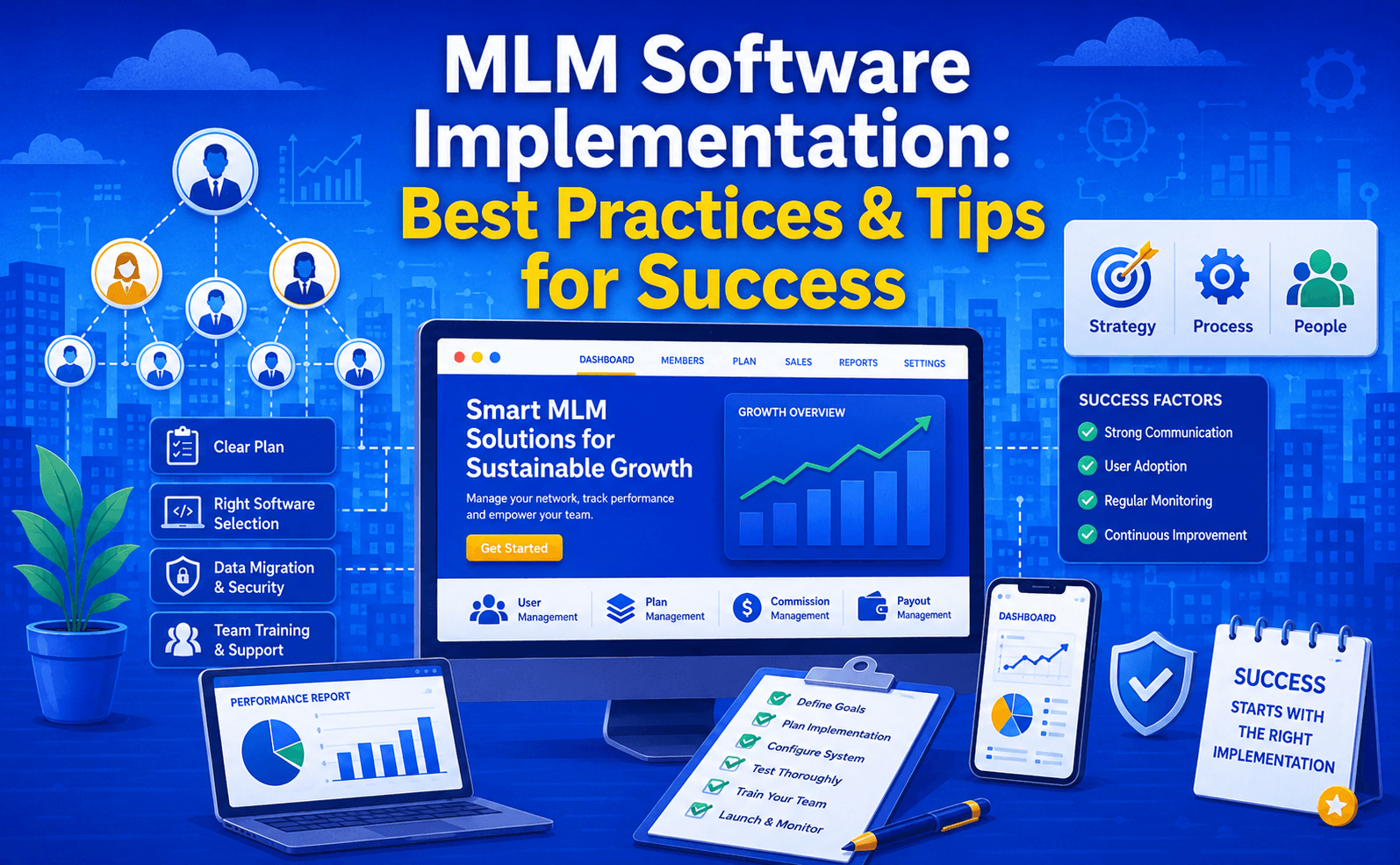
Implementing new MLM software is a critical undertaking that can make or break your network marketing business. This guide provides practical advice for a successful implementation.
Pre-Implementation Planning
1. Define Clear Objectives
Before selecting software, define what you want to achieve:
Performance Goals:
- How many members do you expect?
- What's your target transaction volume?
- Expected commission calculations per day?
- Required uptime SLA (99.5%, 99.9%, 99.99%)?
Feature Requirements:
- What compensation structure do you need?
- Which features are critical vs. nice-to-have?
- Integration requirements?
- Reporting needs?
- Geographic/language support?
Timeline:
- When do you need to go live?
- How much preparation time available?
- Training period required?
- Phased vs. big-bang approach?
2. Assemble Your Team
You'll need:
- MLM Subject Matter Expert (understands your business model)
- IT/Technical Lead (manages implementation)
- Data Manager (handles migration and cleanup)
- Finance/Accounting (validates commission calculations)
- Compliance Officer (ensures regulatory adherence)
- Trainer (prepares training materials)
- Project Manager (oversees timeline and budget)
- Executive Sponsor (executive support and resources)
3. Budget Appropriately
Implementation costs breakdown:
- Software license/subscription: 30%
- Implementation services: 25%
- Data migration: 15%
- Training: 10%
- Contingency: 20%
Example for mid-size MLM:
Software (annual): $50,000
Implementation: $40,000
Data migration: $30,000
Training: $15,000
Contingency: $30,000
Total: $165,000
4. Create Detailed Specifications
Document every requirement:
Compensation Plan Specification:
- Exact commission percentages by level
- Bonus structures and triggers
- Qualification requirements
- Special cases and overrides
- Commission frequency and timing
- Payout methods and thresholds
User Requirements:
- What can each role do?
- What data can they see?
- What actions can they take?
- Approval workflows?
- Reporting access?
Reporting Requirements:
- What reports do you need?
- Who needs to run them?
- Frequency (daily, weekly, monthly)?
- Data retention requirements?
- Export formats needed?
Integration Requirements:
- What systems must integrate?
- Data synchronization frequency?
- API vs. database connections?
- Error handling procedures?
- Testing requirements?
Vendor Selection
Key Evaluation Criteria
1. Functionality
- Does it support your compensation plan?
- Does it include all required features?
- How customizable is it?
- Can it scale to your needs?
2. User Experience
- Is the interface intuitive?
- Mobile app quality?
- Speed and responsiveness?
- Accessibility features?
3. Security & Compliance
- Certifications (SOC 2, PCI-DSS, etc.)?
- Data encryption methods?
- Security audit history?
- Compliance automation?
4. Support & Maintenance
- 24/7 support availability?
- Response time SLAs?
- Update frequency?
- Upgrade process?
5. References & Track Record
- Other MLM implementations?
- Industry awards?
- Case studies available?
- Client references you can contact?
6. Cost & ROI
- Transparent pricing?
- No hidden fees?
- What's included vs. extra?
- Typical ROI timeline?
Questions to Ask Vendors
- How many MLM implementations have you done?
- How long does a typical implementation take?
- What's included in the implementation fee?
- How do you handle custom requirements?
- What training and support do you provide?
- What's your software update schedule?
- How do you handle data security and backup?
- Can you support our growth to 100,000+ members?
- What integrations do you support?
- What's your customer satisfaction rate?
Data Migration & Cleanup
1. Audit Current Data
Before migrating:
- How many members do you have?
- What's your current data structure?
- Data quality issues (duplicates, blanks)?
- How far back does history go?
- What legacy systems need to migrate?
2. Data Mapping
Create detailed mapping:
Old System → New System
MemberID → Member.ID
FirstName + LastName → Member.Name
Address1 + Address2 → Member.Address
PhoneNumber → Member.Phone
SponsorID → Member.Upline
3. Data Cleanup
Identify and fix:
- Duplicate records (merge or delete)
- Incomplete data (fill in or flag)
- Invalid data (correct or isolate)
- Orphaned records (reassign or delete)
- Inconsistent formatting (standardize)
Example cleanup:
- 500 duplicate records identified
- 1,200 members missing phone numbers (30 updates/add)
- 50 invalid email addresses (corrected)
- 100 members with no upline (assigned properly)
4. Validation & Testing
Validate migrated data:
- Row counts match source
- No orphaned records
- All required fields populated
- Data types correct
- Relationships intact
Test commissions:
- Run calculations with old and new data
- Compare results
- Investigate discrepancies
- Iteratively fix issues
- Sign-off when matching
5. Backup & Contingency
- Keep source data backup
- Document migration process
- Create rollback plan
- Test recovery procedures
- Have contingency timeline
Implementation Phases
Phase 1: Preparation (Weeks 1-4)
Activities:
- Finalize requirements
- Prepare detailed specifications
- Set up test environments
- Create test data
- Prepare training materials
- Schedule kick-off meeting
Deliverables:
- Signed requirements document
- Test environment ready
- Team trained on software
- Test data loaded
- Implementation plan approved
Phase 2: Configuration (Weeks 5-12)
Activities:
- Configure compensation plan
- Set up user roles and permissions
- Create reports
- Build integrations
- Customize workflows
- Load production data
Deliverables:
- Configured system matching specs
- All reports working
- Integrations tested
- User documentation complete
- Security measures in place
Phase 3: Testing (Weeks 13-16)
Activities:
- System testing (functionality)
- User acceptance testing (UAT)
- Load/stress testing
- Security testing
- Data validation
- Documentation review
Deliverables:
- All tests passed
- Issues resolved or waived
- Go-live checklist complete
- Contingency plan ready
- Stakeholder sign-off
Phase 4: Go-Live (Week 17)
Activities:
- Final data validation
- Parallel run period (optional)
- Cut-over to new system
- Monitor system performance
- Provide live support
- Track issues
Deliverables:
- System live in production
- All members can access
- Commissions calculated correctly
- Support team available
- Issue log started
Phase 5: Post-Go-Live (Weeks 18-24)
Activities:
- Monitor performance
- Fix issues as they arise
- Gather user feedback
- Optimize processes
- Train additional users
- Document lessons learned
Deliverables:
- Stable system
- User feedback incorporated
- Performance optimized
- Issues resolved
- Final documentation
Training & Change Management
Create Training Materials
Member Training:
- Login and profile setup
- Viewing earnings and commissions
- Placing orders
- Recruiting members
- Viewing downline
- Accessing reports
- Common tasks and troubleshooting
Administrator Training:
- System navigation
- Member management
- Reporting and exports
- Issue resolution
- Escalation procedures
- Manual overrides
Executive Training:
- Dashboard navigation
- Key metrics interpretation
- Reporting options
- System capabilities
- Support procedures
Training Methods
- Live webinars (for large groups)
- Video tutorials (on-demand learning)
- User guides (reference materials)
- Quick-start guides (immediate needs)
- FAQs (common issues)
- Help desk (personalized support)
- One-on-one coaching (complex cases)
Change Management
Communicate the change:
- Why we're changing
- How it benefits members
- Timeline and milestones
- What will change for them
- How to get help
- FAQ for concerns
Build excitement:
- Share benefits
- Highlight new features
- Celebrate milestones
- Share success stories
- Provide incentives for early adoption
Support adoption:
- Provide abundant training
- Quick support response
- Multiple communication channels
- Ongoing education
- Gather feedback
- Make adjustments
Common Implementation Challenges
Challenge 1: Scope Creep
Problem: New requirements keep getting added Solution:
- Freeze requirements before implementation
- Use phased approach for enhancements
- Create priority list for future releases
- Formal change control process
Challenge 2: Data Quality Issues
Problem: Garbage in, garbage out Solution:
- Invest time in data cleanup
- Validate before migration
- Document discrepancies
- Plan for manual fixes
- Test thoroughly
Challenge 3: Commission Calculation Discrepancies
Problem: New system calculates commissions differently Solution:
- Document current calculation logic
- Validate formula matches old system
- Run parallel calculations during testing
- Investigate any differences
- Reconcile accounts during transition
Challenge 4: Resistance to Change
Problem: Users resistant to new system Solution:
- Involve users in planning
- Provide comprehensive training
- Show tangible benefits
- Acknowledge learning curve
- Provide patient support
- Address concerns seriously
Challenge 5: Performance Issues
Problem: System slow or unresponsive at go-live Solution:
- Load test before go-live
- Optimize database queries
- Implement caching
- Scale infrastructure as needed
- Have contingency plan
- Monitor closely during ramp-up
Challenge 6: Integration Failures
Problem: Integrations not working correctly Solution:
- Test integrations thoroughly
- Have manual fallback procedures
- Clear error logging
- Quick support team available
- Integration specialists on call
- Document all integration logic
Go-Live Checklist
Technical:
- All code deployed to production
- Database backed up
- System monitoring active
- Alerts configured
- Disaster recovery tested
- Load balancing configured
- SSL certificates valid
- Firewalls configured
- DNS updated
- CDN configured
Data:
- All data migrated
- Data validation passed
- Reconciliation complete
- Backup taken
- Historical data accessible
- Archives configured
- Retention policies set
Operations:
- Support team trained
- Help desk ready
- Escalation procedures defined
- Issue tracking system ready
- Communication plan active
- Member support activated
- Admin training complete
Business:
- Executive stakeholders briefed
- Communication sent to members
- Training completed
- Change management in place
- KPIs defined
- Success metrics identified
- Celebration plan ready
Post-Go-Live Monitoring
Key Metrics to Track
System Health:
- Uptime percentage
- Response time
- Error rates
- Database performance
- Server resource usage
- API performance
Business Metrics:
- Commission calculations (accuracy)
- Payout processing time
- Member account activations
- System usage rates
- Support ticket volume
- Customer satisfaction
Financial Metrics:
- Commission payout accuracy
- Reconciliation variance
- Processing costs
- Support costs
- ROI calculation
Monitoring Tools
Implement monitoring for:
- System uptime (monitoring services)
- Application performance (APM tools)
- Database performance (query analysis)
- User experience (synthetic monitoring)
- Business metrics (custom dashboards)
- Security (vulnerability scanning)
Issue Escalation
Severity Levels:
- Critical: System down, commissions not calculating, security breach
- High: Major functionality broken, affecting many members
- Medium: Feature not working correctly for some users
- Low: Minor issues, workarounds available
Escalation Path:
- Level 1: Help desk
- Level 2: Technical support
- Level 3: Engineering team
- Level 4: Vendor escalation
Success Metrics
Technical Success
- ✅ 99.5%+ system uptime
- ✅ <2 second page load time
- ✅ <1 second commission calculation
- ✅ Zero security incidents
- ✅ All integrations working
Business Success
- ✅ 100% accurate commissions
- ✅ >95% member satisfaction
- ✅ <2% defect rate after go-live
- ✅ Positive ROI within 12 months
- ✅ Enables business growth
Operational Success
- ✅ Support team effective
- ✅ Issue resolution <24 hours
- ✅ Documentation complete
- ✅ Training effective
- ✅ Processes optimized
Lessons Learned
What Usually Goes Right:
- Proper planning and preparation
- Dedicated project team
- Clear requirements
- Comprehensive testing
- Strong training program
- Vendor support
- Executive sponsorship
What Usually Goes Wrong:
- Inadequate preparation
- Unclear requirements
- Insufficient testing
- Poor training
- Scope creep
- Unrealistic timelines
- Inadequate resources
Conclusion
Successful MLM software implementation requires:
- Clear planning and requirements
- Right team assembled
- Adequate budget and timeline
- Quality vendor selection
- Thorough data preparation
- Comprehensive testing
- Effective training
- Strong change management
- Close go-live support
- Ongoing monitoring
QDCODEX specializes in MLM software implementation with proven methodologies, experienced teams, and comprehensive support to ensure your successful go-live and adoption.
Ready to implement MLM software? Contact QDCODEX for a free consultation.
Want More Leads from Google?
Grow your online business with expert SEO & digital marketing.
Get Free QuoteQDCODEX
Experts in SEO & Digital Marketing in Chennai
Ready to Grow Your Online Business?
We help businesses rank on Google and generate leads.
Get Free Consultation